Wicked Intent

Things you will need -
Tube of choice. I am using one from Ismael Rac. If you wish to use his tubes you can purchase a license and tubes from Here
Xero Filter - Optional
Scrap Kit of choice - Optional
the one i am using is PTU Skully by Sarah and can be found Here
Font of choice
Ok lets start already!
open image 800x600 we will resize later
Set your foreground to black and your background to a color to match your tube.
I used #a95475
Use your rectangle shape tool. Set the width to 10 and make sure it is set to vector. draw out a rectangle like so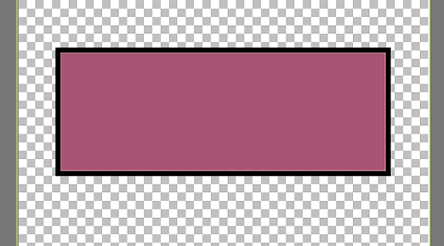
Go to Objects - Align - center of canvas
Right click on this layer in the layer pallete and convert to raster
Now this is where i paste my tube so i can get it in place and set stuff up around it. You do not have to do this yet
but its just what i do.
change your background and foreground colors to match
Use your rectangle shapes tool again but make use you change the width to 1 or 2.
Draw out a skinny, long rectangle behind what you already have. Object - align - Horz. center of canvas. Convert to raster layer
Duplicate this layer and move it over a bit. Duplicate that layer and move it to the other side of the first one.
So now you should have 3 skinny, long rectangles.
this is what my template looks like so far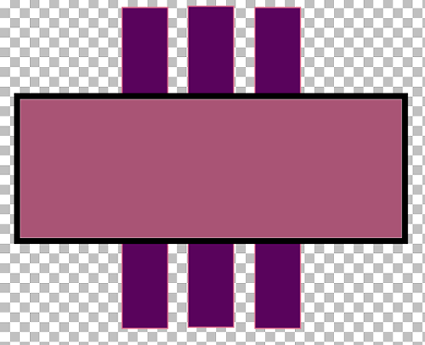
This is where you can have your fun. Use some elements from a kit (i am using Skully by Sarah), make some more shapes to add
to your template. Make it your own and enjoy it!
okay when you are done playing, use your Xero filter. I used Radiance at default setting on just the tube
Now add your name and credits
Your finished!
